Connect Catalog with mark360
Simplify Your WhatsApp Business with Mark360
Enhance your customer experience by connecting your Facebook Catalog with Mark360.
Showcase your products directly within WhatsApp chats, allowing customers to browse and place orders effortlessly — all in one seamless conversation.
Connect the Integration
Follow these steps to link your Facebook Catalog with Mark360:
-
Navigate to WhatsApp -> Product Catalogs in the left menu of mark360.ai.
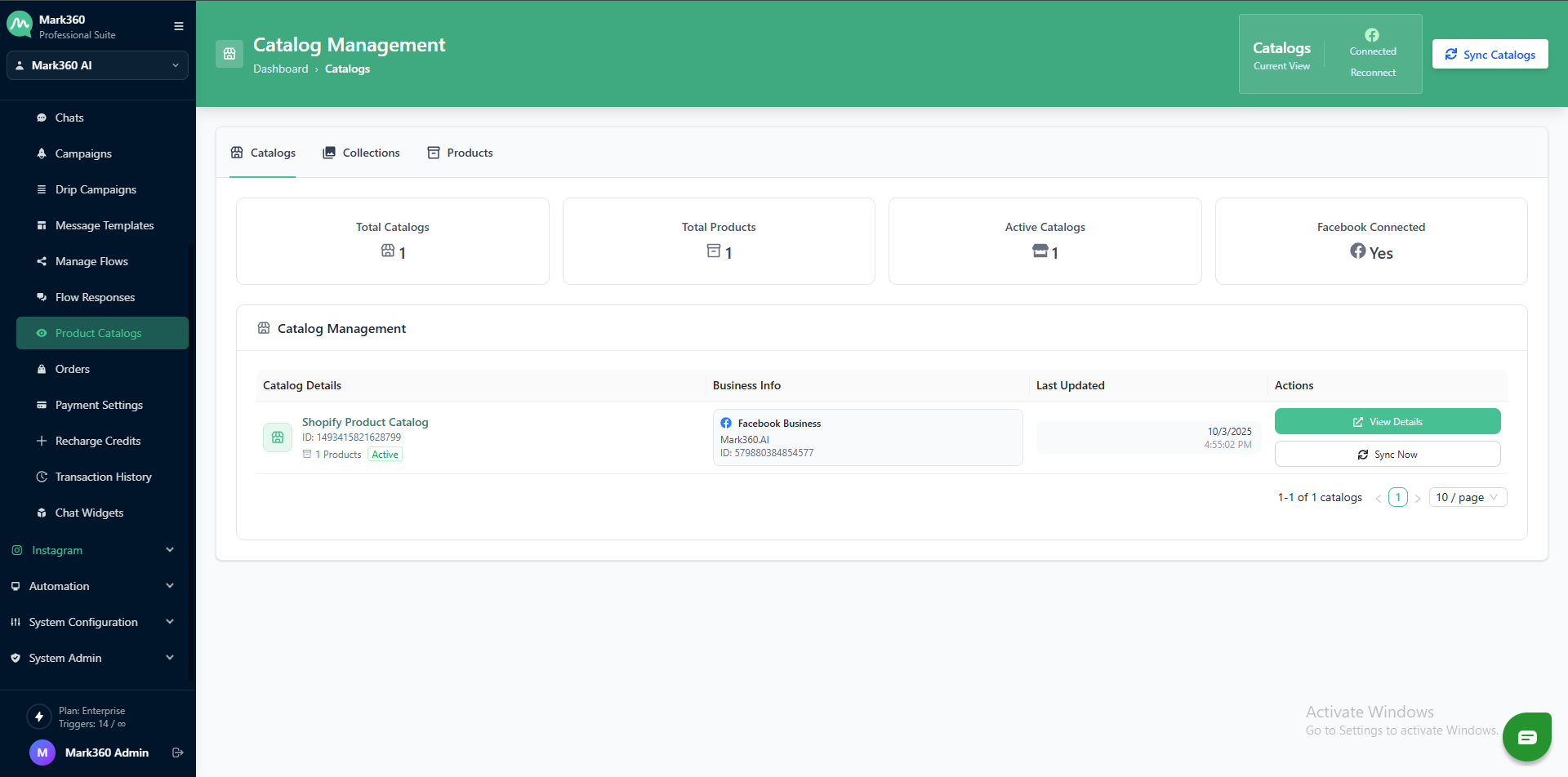
-
A Facebook Pop-up will appear asking you to choose the WhatsApp Business Account you would like to use with Catalogue. Click on Continue.

-
Provide the permission to Gallabox to Manage your Business, your Account, and your Product Catalogue. Click on Done.
Make sure that you have all the permissions for Facebook Business Manager.
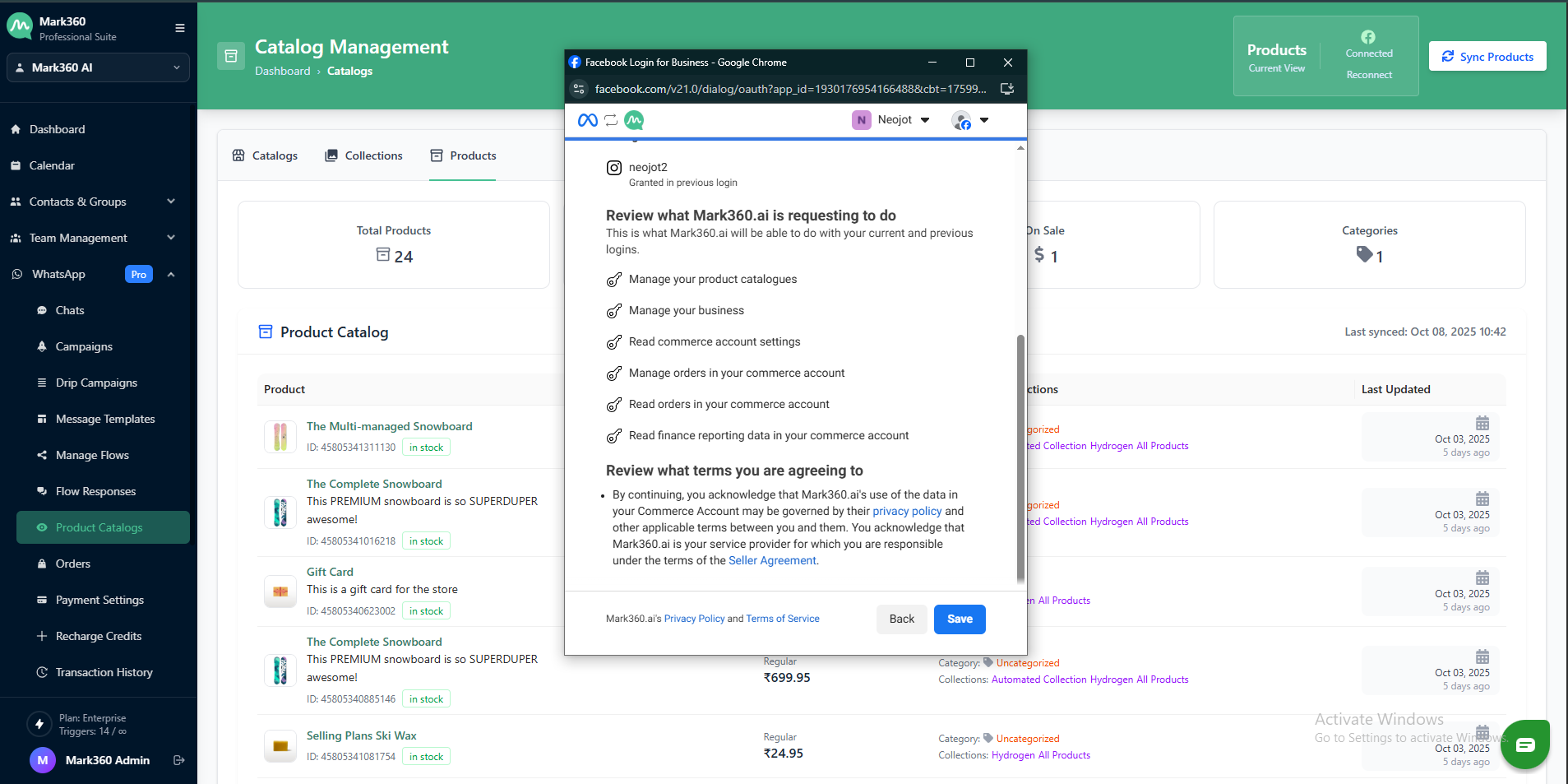
-
Your Facebook Catalogue is connected to Gallabox.
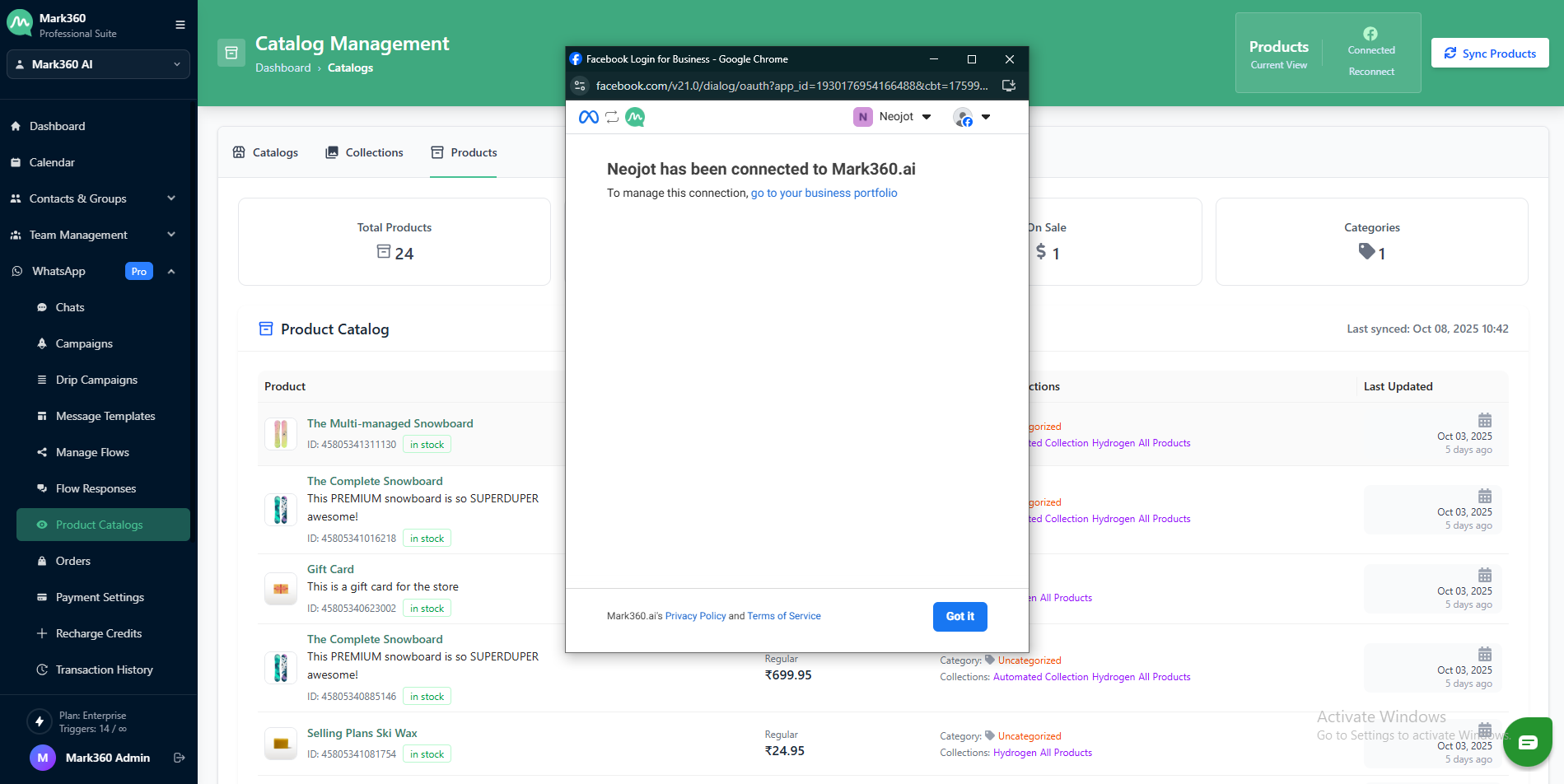
Once your catalog is successfully linked to your Mark360 account, you’ll gain access to view all your available products and collections directly from your Catalogue section.